
How to Advertise an RSPS Server & Get More Players
By RuneRank · Published 15 Sept 2026 · Updated 16 Sept 2026
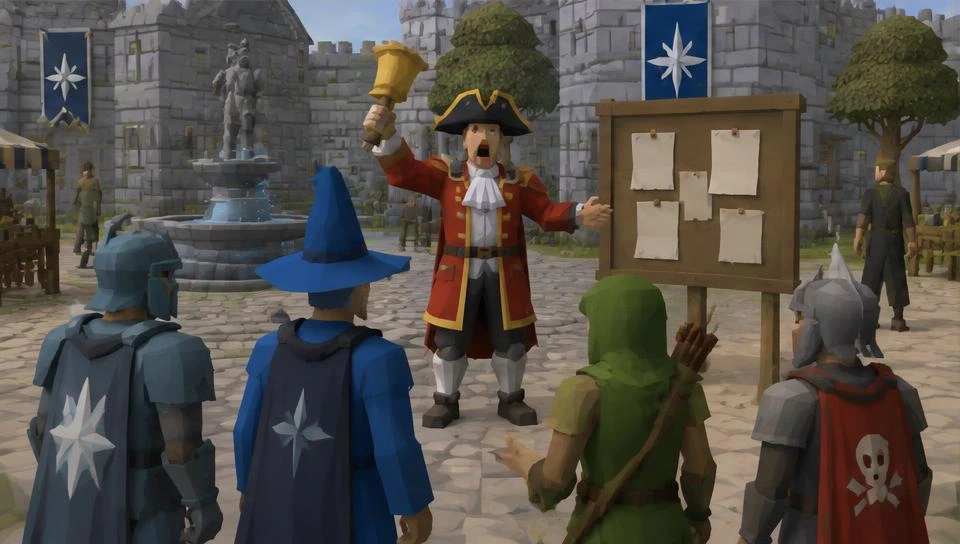
How to Advertise an RSPS Server
Building a good RuneScape private server is only half the job. Players still need to discover it.
The best RSPS advertising strategy combines several sources of traffic instead of relying on one Discord post or one toplist.
List Your Server on RSPS Toplists
Toplists are one of the main ways RuneScape private server players discover new servers.
Create a complete listing with:
- A recognizable server name
- Professional banner and icon
- Clear description
- Accurate server categories
- Website and Discord links
- Screenshots or media where supported
You can add your server to RuneRank for free.
Add Voting to Your Server
Once listed, give your existing players an easy way to vote.
Voting helps your server climb monthly rankings and puts it in front of players already searching for an RSPS.
A good voting setup should:
- Be easy to access in-game
- Reward legitimate voters
- Use automatic vote callbacks
- Clearly explain when players can vote again
Learn more in our RSPS voting guide.
Build an Active Discord
Your Discord is often where a potential player decides whether your server is alive.
Keep it active with:
- Development updates
- Changelogs
- Events
- Giveaways
- Polls
- Community screenshots
- Support channels
A Discord with real conversations is much more convincing than one filled entirely with advertisements.
Use Social Media
Short videos can be extremely effective for showing what makes your server different.
Good content includes:
- Boss fights
- Raids
- Custom content
- PvP clips
- New updates
- Rare drops
- Progression
- Launch teasers
Show actual gameplay instead of making every post a generic advertisement.
Make Your Website Search Friendly
Players also find private servers through Google and other search engines.
Your website should clearly explain:
- What type of RSPS you run
- Your main features
- Game revision
- PvM/PvP content
- Account modes
- How to play
- How to join your Discord
Publish useful update posts and guides instead of filling pages with repeated keywords.
Keep Updating Your Listing
An abandoned-looking listing can make an active server appear dead.
Keep your description, banner, player information and server updates current.
RuneRank allows owners to maintain their server presence while building votes, progression and reputation over time.
Don't Buy Fake Votes
Fake votes might make a ranking look better temporarily, but they do not create a real community.
Build around legitimate players.
RuneRank uses vote validation and risk checks to protect its rankings from suspicious activity.
Give Players a Reason to Stay
Advertising gets somebody through the door.
Your server itself determines whether they stay.
A polished tutorial, active staff team, regular updates and meaningful progression will do more for long-term growth than continuously buying more traffic.
Start Advertising Your RSPS
If you own a RuneScape private server, you can add your server to RuneRank and start building your listing, votes and community.
You can also browse the RSPS rankings to see how other servers present themselves.
Explore servers: OSRS Private Servers
Live from the RuneRank rankings — this updates itself as votes change.
See all OSRS Private Servers